AI voice for YouTube videos: what holds up at scale
Summary
AI voice for YouTube videos delivers consistent narration from a script in minutes and works at any upload pace. The real decision is not which tool to pick first. It is whether to clone your own voice or use a stock voice, how to prevent pacing drift across episodes, and which audio specs your video editor actually needs. This guide covers those three decisions before any tool comparison.
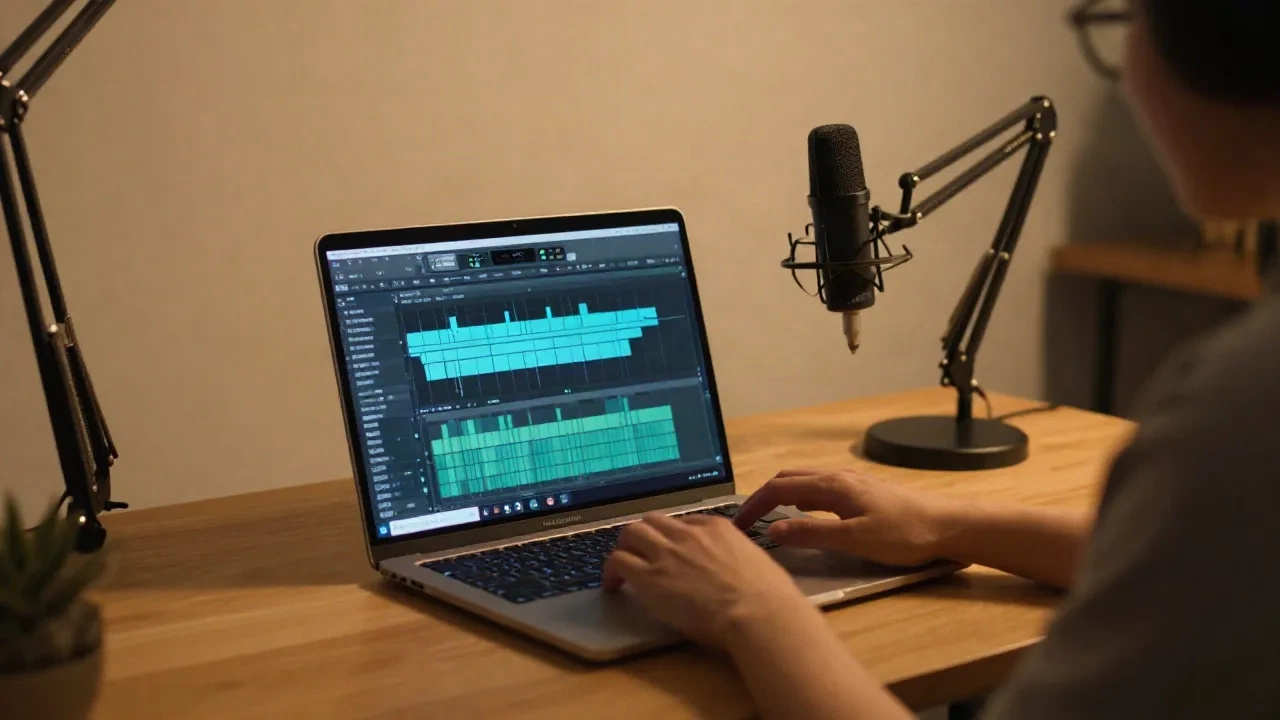
AI voice for YouTube videos works. The real decision is not which tool to pick on day one. It is whether your voice stays consistent across 50 episodes, whether your audio export lands at 48 kHz so your NLE does not resample it on import, and whether cloning your own voice is worth the 3-minute sample investment for a channel you run solo.
I ran this workflow across a 12-episode series and a few hundred narration minutes for a self-published author's channel. Here is what the output actually sounds like in context, and where the pipeline breaks.
The two modes: stock voice vs cloned voice
Most guides start with a tool comparison. We should start with the model decision, because it changes which tools even make sense.
Stock voice means you pick a pre-built voice from a library. ElevenLabs offers thousands. Murf AI lists 200-plus across 35 languages. You get a consistent voice immediately, with no sample recording required. The tradeoff: the voice is not yours, you may find it on a competitor's channel, and some platforms have licensing restrictions on commercial use at the free tier. Always read the license before publishing.
Cloned voice means you record 3-5 minutes of clean audio, upload it, and generate a voice model that approximates your intonation curve, resonance, and pacing. AnyVoice processes a usable clone in under 30 seconds from a sample of that length. The result is sonically convincing at standard YouTube listening contexts (headphones, laptop speakers at medium volume) and holds up well on longer-form narration where a stock voice can feel generic.
When does cloning make sense for YouTube? When you already have published videos and want your AI narration to match your existing back catalog. When your channel identity depends on a specific voice character you have spent a year building. When you work in a language where the stock voice library is thin.
When does a stock voice make sense? When you want to start today without recording a sample. When the content type is evergreen how-to videos where authority comes from information quality, not voice personality. When you are testing the format before committing an entire channel to it.
Voice consistency across episodes: the drift problem nobody talks about
Here is what the tool comparison guides miss. A tool is not a workflow. Choosing ElevenLabs or Murf gives you a voice for video 1. What you need is the same voice on video 50, with the same pacing, the same breath curve, the same pronunciation of your channel's recurring product names.
This is where voice drift happens. Common causes:
The voice model updates. ElevenLabs has pushed model updates that subtly changed voice output for existing clones. If you generated video 1 on an older model version and video 50 on a newer one, the voices can be close but audibly different on a direct A/B comparison.
The prompt changes. Even small differences in how you phrase your generation request (temperature settings, speaking style descriptors) shift the pacing by 5 to 10 percent. That is audible when a viewer watches back episodes.
The sample gets re-recorded. If you refresh your clone sample after a cold or in a different room, your voice model updates and breaks continuity with earlier episodes.
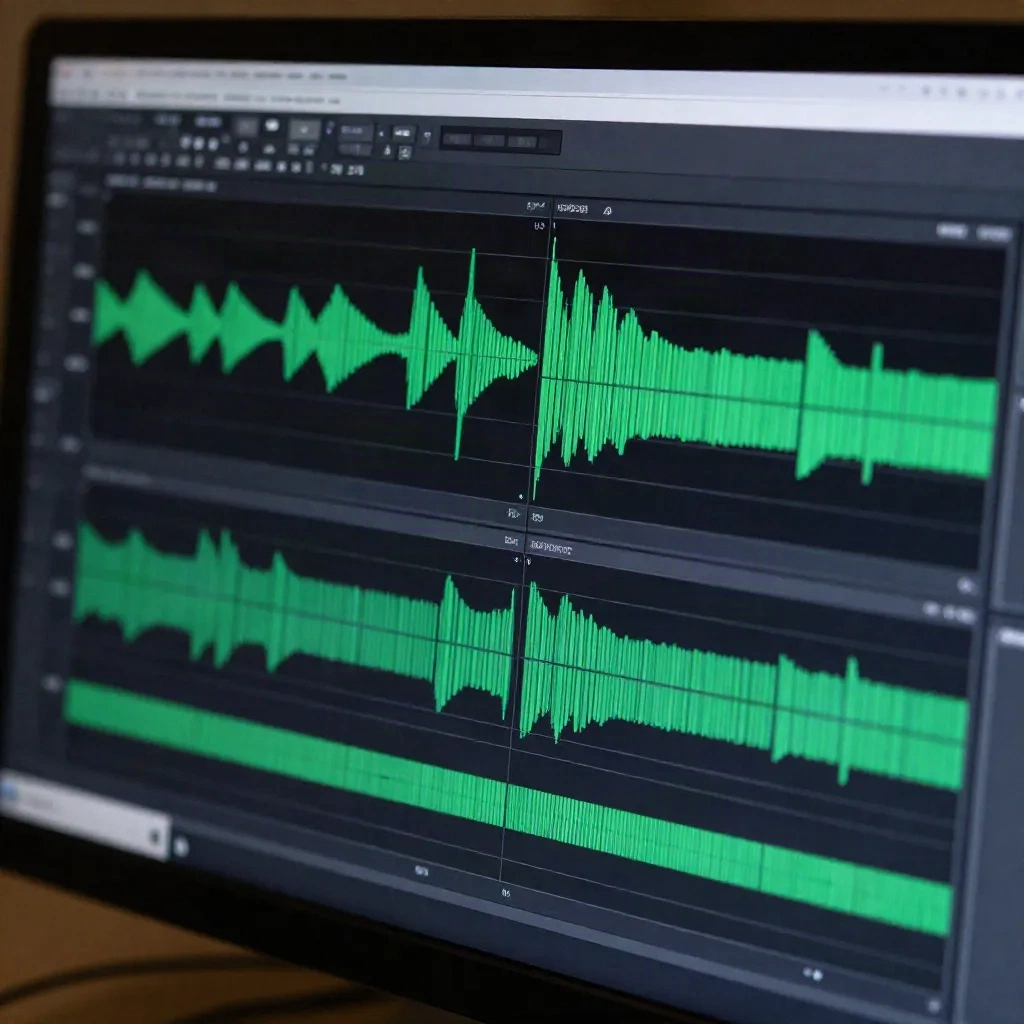
The practical fix: version-lock your voice model. AnyVoice lets you save named snapshots of your clone and pin generation requests to a specific snapshot. When a model update ships, you test on 30 seconds of new content before committing the full script. If there is drift, you stay on the pinned version until you are ready to re-record a new baseline sample.
If you are on a platform that does not support model versioning, the workaround is to generate a 90-second reference narration and store it alongside each episode file. If a future episode sounds different, you have a documented baseline to compare against.
Session note: the most pronounced drift I have seen was not from a model update. It came from re-recording a clone sample in a different room after the original was recorded in a treated booth. The reverb tail length was different and it carried through every subsequent generation. Record your clone sample in the same acoustic environment every time, or your pacing curve will shift.
What your voice sample needs to hold a clone
You do not need a recording booth. You need a controlled environment: four walls, a closed door, a rug and some soft surfaces to kill the primary reflections. Most apartments have one room that qualifies.
What matters for clone accuracy:
No background noise at all, not just reduced noise. HVAC hum, street traffic through a window, a refrigerator in an adjacent room. These all make it into the sample and degrade phoneme edge detection.
Consistent microphone gain. Record at -18 to -12 dBFS average, with no clipped peaks. That is a standard spoken-word level for voice work.
Cover the phoneme range of your target language. Reading 3-5 minutes of continuous prose captures phoneme transition artifacts better than reading individual word lists. That is the method recommended in AnyVoice's sample prep documentation, and it is correct.
Same mic, same position, each time. If you ever update the clone, maintain the same signal chain.
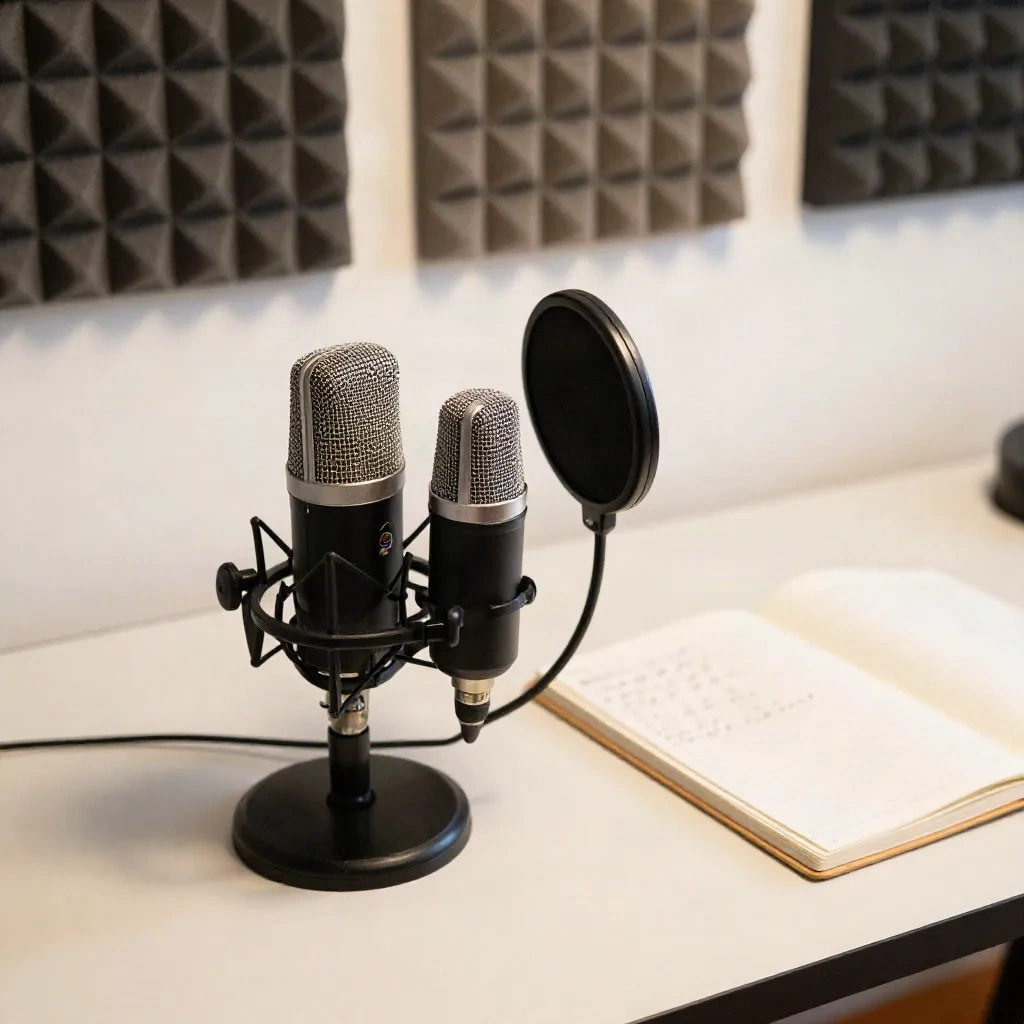
Duration: 3 minutes produces a workable clone. 5-10 minutes produces a noticeably more stable intonation curve on long-form content (20-minute YouTube videos). For a weekly 10-minute channel, 3 minutes is fine. For a channel where your voice carries the full editorial identity, spend the extra 7 minutes once and version-lock the result.
Audio export specs that actually matter for video editing
YouTube accepts any of the common audio formats. Your video editor does not tolerate sample rate mismatches well.
The spec to get right: 48 kHz sample rate, 24-bit depth, WAV or AIFF. Not MP3, not 44.1 kHz. Video projects run at 48 kHz. Importing 44.1 kHz audio into a 48 kHz video timeline forces your NLE to resample in real time, which adds latency to preview playback and can introduce subtle pitch artifacts at lower export quality settings.
Most AI voice platforms default to either 44.1 kHz (a music production carryover) or 22 kHz (a speech compression shortcut). Check the export settings on whatever platform you use. ElevenLabs offers 44.1 kHz by default with 48 kHz available at the professional tier. Murf's API returns audio at your configured sample rate with 48 kHz available for production exports. AnyVoice outputs at 48 kHz by default in the video workflow preset, which removes one step from the checklist.
For codec: export as WAV rather than MP3 for anything you will bring into an editor. MP3 introduces joint stereo artifacts at the low end of the frequency range that can interfere with background music ducking in a video editor. The file size difference at 48 kHz / 24-bit is approximately 5 MB per minute of audio. For a 10-minute YouTube video, that is 50 MB of WAV versus 8 MB of MP3. The extra 42 MB is not a meaningful storage constraint.
Three use cases where this holds up, one where it does not
Educational how-to channels. This is the strongest use case for AI voice in YouTube production. The viewer comes for the information, not the host's personality. Pacing is regular, scripts are written in advance, and you generate once, sync to screen recording, then export. Production time per video drops from several hours of recording and editing to 30-45 minutes total. On a channel publishing 3-4 videos per week, that is a meaningful shift.
Long-form documentary narration. Works well when the narration is continuous and the delivery style is measured. The main risk is pronunciation of proper nouns and brand names. Test every proper name in your script before running the full generation. Most platforms include a phonetic override or pronunciation editor. Use it for any term that appears more than twice per episode.
Finance, investing, and market analysis content. Works well because the content is dense, the delivery style is controlled, and the audience prioritizes accuracy over emotional warmth. AnyVoice's 8-slider emotion control system lets you run a low-key authoritative register (calm emphasis at slider 2, tension at slider 3 out of 8) that holds across 20-minute videos without fatigue artifacts in the output.
Where it does not hold up: interview and reaction formats. If your channel identity is conversational, spontaneous, and reactive, AI voice will read as synthetic to your audience quickly. The intonation curve is too regular. The pauses land on metronomic intervals. Viewers who have watched 10 episodes of the organic version of your channel will notice within 30 seconds. This format is not suited to that use case, and it is worth acknowledging that constraint rather than working around it.
Before your next upload session
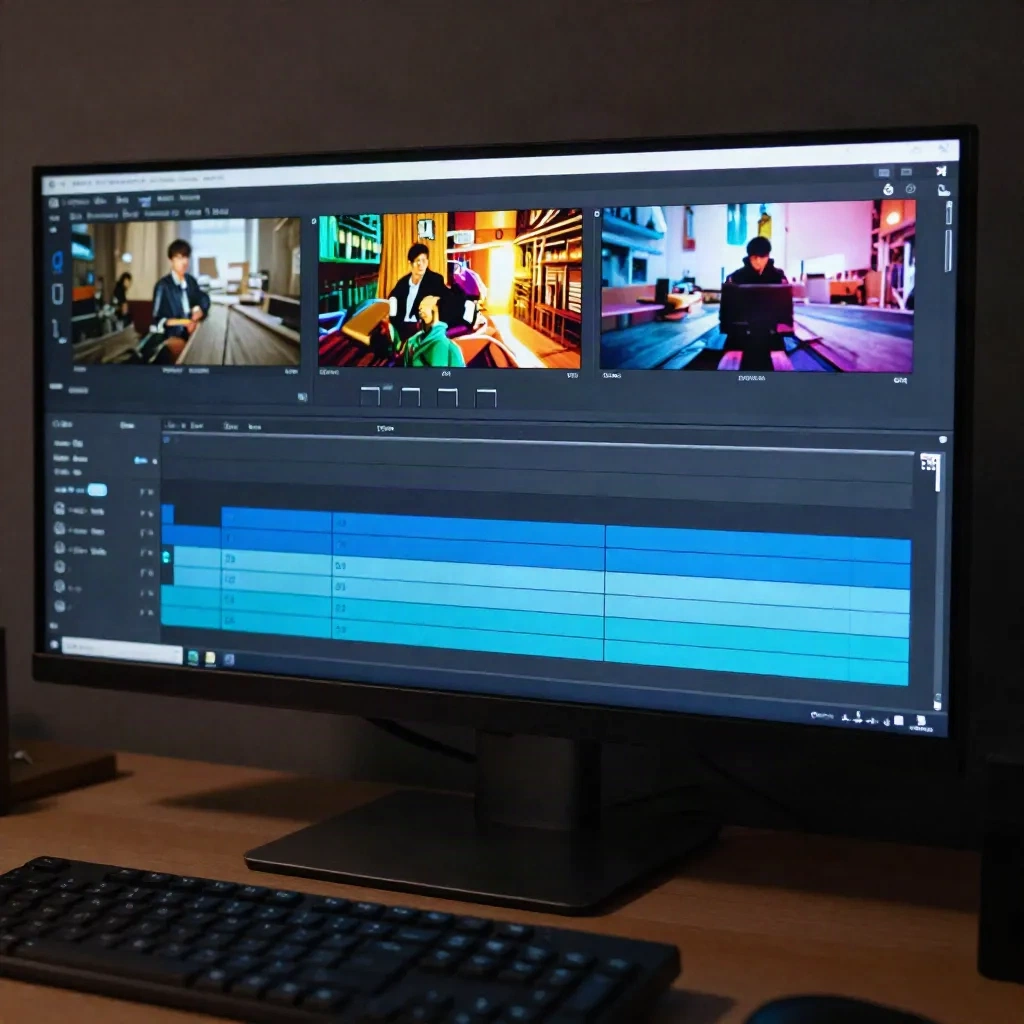
If you are starting a new channel with AI voice: begin with a stock voice, publish 3-5 videos, then decide if cloning makes sense for your brand identity. Do not clone first and ship later. You will learn more from published episodes than from perfecting a sample in isolation.
If you are migrating an existing channel: record your clone sample before changing anything about your recording environment. Capture the current room, current mic chain, current gain settings. That is your baseline. Version-lock it immediately.
The ROI calculation is direct: at a standard publishing pace of 1-2 videos per week, a narrated educational channel without AI voice requires 4-8 hours of audio work per week. With AI voice and a working clone, that compresses to under an hour. The difference goes into scripting, visuals, or a second channel.
The tools are past the point where audio quality is the limiting factor. Workflow design is. Get the versioning, the export specs, and the clone sample management right, and the voice holds up at scale.