The difference between mixing and mastering for AI voice
Summary
Mixing handles individual tracks; mastering polishes the stereo file. The two stages must stay separate. AI-generated voice behaves predictably in the mix with no room noise and consistent transients, but synthesis artifacts need specific EQ treatment. Mastering EQ moves stay under 6 dB; mixing can push 15-30 dB. AI mastering tools hold up when the mix is clean; they struggle when tonal problems remain unresolved from the mix stage.
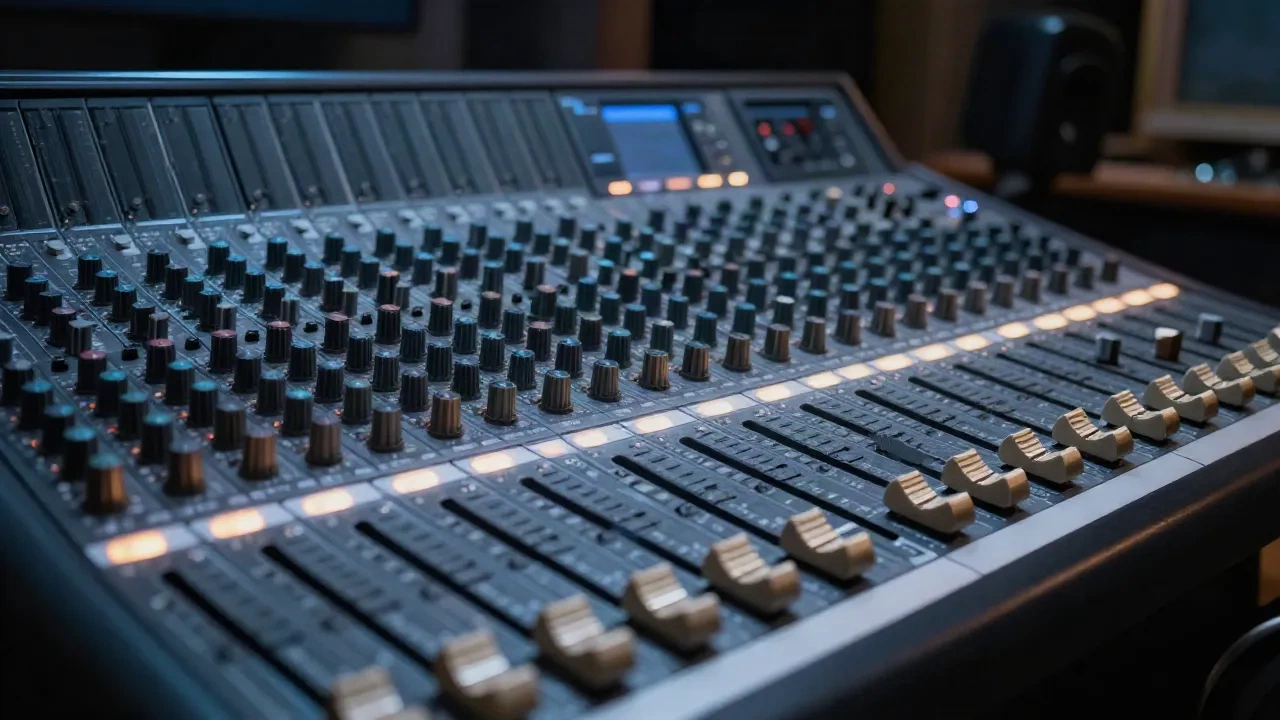
The difference between mixing and mastering comes down to what you are working on. Mixing means editing and balancing dozens of individual tracks until they sit well together. Mastering means taking the finished stereo file and preparing it for distribution. When one or more of your tracks is AI-generated voice, both stages behave differently enough that the classic split still matters, and in some ways matters more.
That said, the boundary between the two stages is one of the first things producers blur when working with AI voice. The result is usually a track that sounds processed at the wrong stage, and corrections that create new problems downstream.
What mixing actually covers: multi-track surgery
In a standard session, mixing is where most of the engineering time goes. You are working across individual tracks: the vocal, the room microphone, the synth layer, the bass guitar, the ambience bed. Each track gets its own EQ curve, its own compression, its own position in the stereo field. In a pop or audiobook production, it is common to have 32 or more tracks open simultaneously.
The decisions are granular and sometimes heavy. A mixing engineer can boost a frequency by 8 dB, cut a problem resonance by 12 dB, or ride the level of a single word by 6 dB in real time. These are not subtle moves. They are surgical interventions on an individual signal before it reaches the stereo bus.
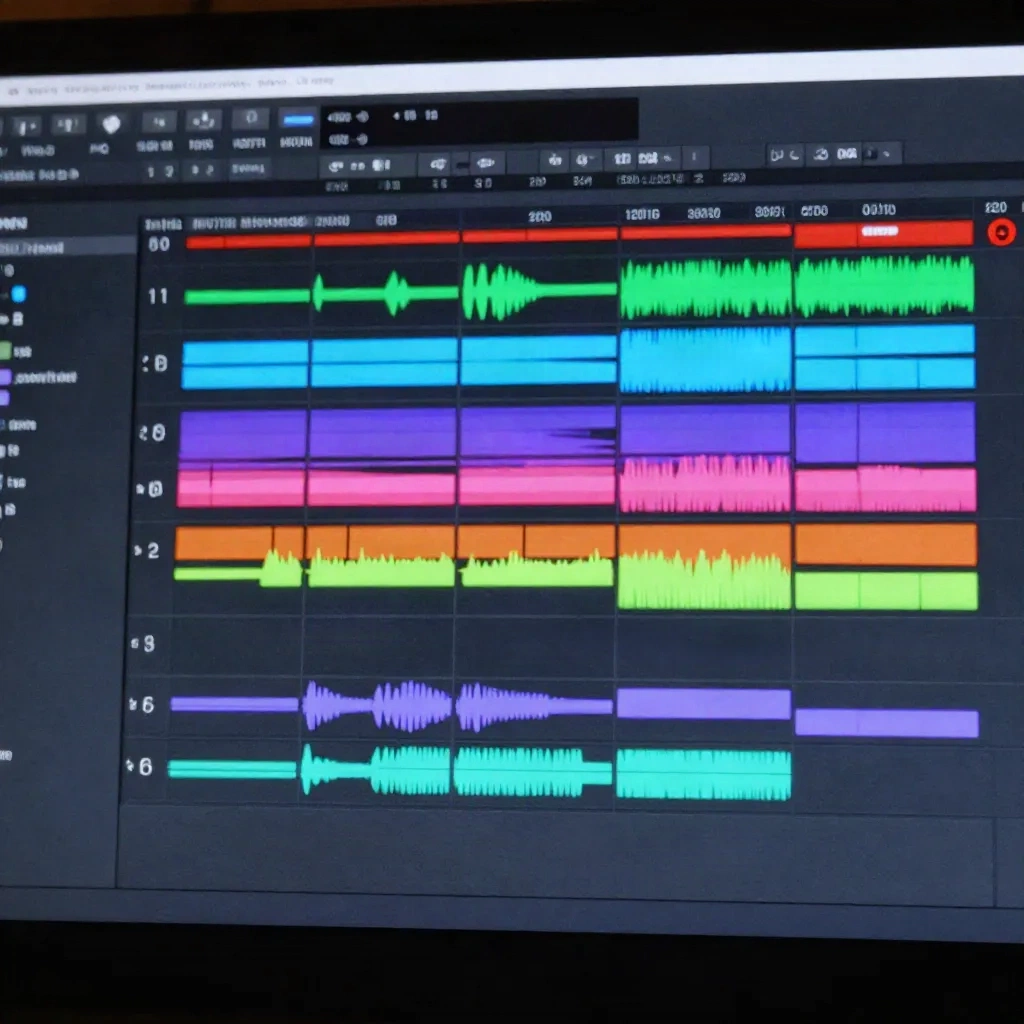
The perspective is narrow and deep. A mixing engineer is listening for how the kick drum interacts with the bass in the 80-120 Hz range. How the vocal competes with the rhythm guitar in the 2-3 kHz presence region. How the reverb tail on the lead vocal blurs the transient attack on the snare. These are the questions that get answered at the mix stage. None of them make sense once you are looking at a stereo file.
For an AI voice production, the mixing stage is where you place the generated voice in the full soundscape. If you are placing a generated narration over a score for an audiobook, you are mixing. If you are routing six different cloned dialogue lines across a stereo field for a game cutscene, you are mixing. The tools allow large, specific moves on a per-track basis that are simply not available after the bounce.
Session note: AnyVoice outputs stereo-compatible mono at 44.1 kHz / 24-bit by default. Match your project sample rate before importing. A 48 kHz session receiving a 44.1 kHz AI voice file without proper resampling introduces subtle pitch drift across long takes, most noticeable on held vowels over several minutes of content.
What mastering actually covers: stereo-bus finishing
Mastering starts after you bounce the mix to a single stereo file. You are no longer looking at individual tracks. You are working on one signal that represents the entire session. The questions shift accordingly: does this track hold up on laptop speakers? Is the loudness consistent with the other tracks on the album? Does the low end lose clarity when played on a phone?
The moves are intentionally small. A mastering engineer typically applies EQ in increments of 1 dB, rarely more than 3-4 dB even on a significant tonal correction. Compression at the mastering stage is usually transparent, aimed at cohesion rather than character. A limiter brings the integrated loudness to a distribution target: typically -14 LUFS for streaming platforms such as Spotify and Apple Music, or -16 LUFS for podcast platforms that normalize on upload.
Mastering also handles metadata, export format, and cross-platform consistency. A mix that sounds balanced on studio monitors often has a different spectral profile on earbuds or a car audio system. The mastering stage is the last opportunity to verify that translation before the file ships.
What mastering cannot do is fix a mix problem. If the vocal is buried under the score at the mix stage, the mastering engineer cannot bring it back without affecting the entire stereo image. If the low end is muddy because two elements are competing in the same frequency band, a mastering EQ move will affect both simultaneously. The two stages are not interchangeable. They answer different questions on different material.
The EQ range difference is not cosmetic
The difference in EQ range between mixing and mastering is one of the most practically important distinctions, but rarely gets discussed directly. During mixing, tools are calibrated to allow changes of 15-30 dB on any frequency band. During mastering, most engineers work in a range of 1-6 dB, and tools specifically designed for mastering often restrict the maximum gain to 10 dB to prevent overreach.
This is not just convention. A 6 dB boost on the stereo bus affects every element in the mix simultaneously: the vocal, the low end, the reverb, the percussion. A 6 dB boost on an individual vocal track during mixing affects only that track. The physical scope of the intervention is different, which is why the magnitude of the move also needs to be different.
When producers try to solve a mix problem at the mastering stage, the result is almost always worse than the original issue. A low-end problem that required a targeted cut on the kick track during mixing cannot be cleanly addressed by a broad cut on the stereo bus, because that cut affects everything in that frequency range, including the warmth of the voice and the body of the score. The surgical precision available at the mix stage disappears once you are working with the combined stereo file.
How AI-generated voice sits differently in a mix
Recorded voice brings a set of mixing challenges: room noise, microphone coloration, breath control variation, and the interaction between the performer and the acoustic environment. AI-generated voice removes most of those variables. What you receive is a signal that is spectrally consistent across takes, with no room ambience, no mic bleed, and no performance variation from take to take.
This is a genuine advantage for mixing speed. An AI voice track does not typically require the de-noise or de-room processing that a recorded vocal needs. The transients are predictable. The sibilants land in the same frequency range across every generated line. Level consistency is built into the output.
The challenge is different: synthesis artifacts. Depending on the voice model and the emotion slider settings used during generation, AI voice carries specific spectral signatures that experienced ears recognize. The most common ones sit in the 3-6 kHz region, often as a slight edge or harshness that differs from recorded voice, and in the sub-100 Hz region, where AI voice typically lacks the low-frequency coupling that comes from a speaker in a room. A narrow notch at approximately 4.2 kHz, reducing by 2-3 dB, addresses the presence artifact on many current voice models. A low-shelf addition in the 60-80 Hz range at 1-2 dB can add ground to a voice that sounds weightless on playback.

These are mixing-stage corrections. They are applied on the individual AI voice track, with track-level EQ, before the stereo bounce. Attempting to correct synthesis artifacts after the mix is bounced makes them harder to address without affecting the rest of the stereo image.
Compression on synthetic transients: what to watch
AI voice compresses differently from recorded voice. Recorded voice has organic dynamics: louder syllables in a phrase, a breath that releases before a vowel, micro-timing variation that means a compressor sees slightly different attack profiles across a performance. AI voice is more uniform. The loudness envelope is more consistent, and the transients are smoother than a recorded performance of the same content.
On a VCA compressor, this means the attack setting needs adjustment. The fast-attack, fast-release setting that works well on a dynamic recorded vocal can over-compress an AI voice track, flattening the residual expression that was introduced through the emotion sliders during generation. A slower attack of 20-40 ms preserves the onset of each syllable and maintains intelligibility at normal listening levels.
Optical compressor behavior tends to be more forgiving on AI voice precisely because the gain reduction follows a slower, smoother curve that suits the more even dynamics of a generated signal. If you apply a VCA to an AI voice track and notice the track sounds flattened or slightly distant, switching to an optical emulation is a reasonable first step before reaching for the EQ. The smoother response of optical compression also helps maintain the prosodic shaping that good voice models build into longer phrases.
One practical workflow: run the AI voice through a gain-staging check before any compression. AI voice outputs are typically normalized at generation, but the level relationship between a generated vocal and a live instrument in the same session often needs 3-6 dB of gain adjustment before compression settings translate correctly.
When AI mastering tools hold up, and when they don't
Several platforms offer automated mastering that processes a stereo file using machine learning: LANDR, iZotope Ozone's AI-assisted mode, and eMastered are among the most widely used. These tools analyze the spectral content of the uploaded stereo file and apply EQ, compression, and limiting based on the inferred genre and target loudness.
They perform well when the mix is clean. If the AI voice is well-balanced against the score or ambient bed, if the stereo image is stable, and if synthesis artifacts were addressed at the mix stage, an automated mastering pass will reach a release-ready loudness target and correct minor spectral imbalances without manual intervention. For a podcast episode or an audiobook chapter where the mix is dialogue-forward and spectrally simple, automated mastering is a practical option.
They fall short when the mix has unresolved problems. If the AI voice carries a 3-6 kHz brightness that was not treated during mixing, automated mastering tools sometimes interpret that brightness as a stylistic characteristic of the genre and boost the presence region further rather than reducing it. If the low end lacks the natural sub-coupling of a recorded voice, the automated system may misread the overall spectral balance and over-apply low-end correction in a way that muddies the full mix.
The rule does not change because the source is synthetic: mastering can refine a clean mix. It cannot repair a flawed one. The same principle applies whether you are sending the file to a human mastering engineer or to an algorithm.
Before your next session
If you are integrating AI voice into a production for the first time, the most useful adjustment is to treat mixing and mastering as fully separate workflows rather than a continuous process. Mix the AI voice track first. Address synthesis artifacts at the track level: the 3-6 kHz edge, the absent sub-coupling below 100 Hz, the compression behavior on smooth transients. Export a clean stereo bounce. Then approach the mastering stage with the same tools and objectives you would apply to any source, including a -14 LUFS target for streaming or -16 LUFS for podcast distribution.
The difference between mixing and mastering does not change because one of your signals is synthetic. What changes is which specific problems you encounter at each stage, and which stage gives you the precision to address them correctly. Synthesis artifacts are a mixing problem. Loudness inconsistency across an album is a mastering problem. Keeping those two stages clearly separate is what lets each one do its job without creating new issues in the other.