How to Remove Vocals from a Song: 3 Methods Compared
Summary
To remove vocals from a song, use an AI stem separator when you only have the full mix, phase cancellation when you also hold an official instrumental of the same master, or Audacity's Vocal Reduction effect for a rough pass on a center-panned vocal. AI results are close but never exact, and watery choruses are normal. Removing the vocal does not remove the copyright, so keep separated audio for practice, study and your own material.
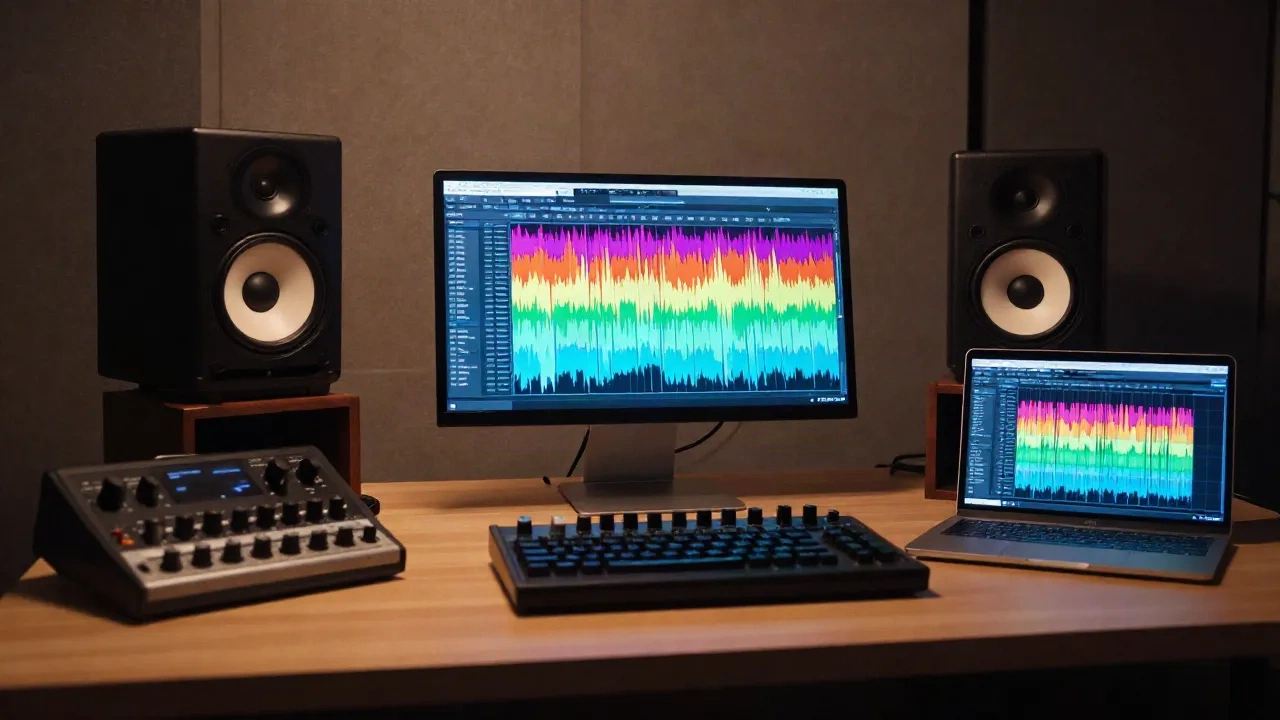
Here is how to remove vocals from a song, in order of practicality: an AI stem separator (fastest, cleanest on most modern mixes), phase cancellation against a matching instrumental (exact, but only if you own both files), or a center-channel trick in an editor like Audacity (free, offline, and hollow in the low end). Pick by what you have in hand, not by what sounds most advanced. And know up front that none of these methods touches the copyright on the original recording.
Which method fits the file you actually have?
Most guides open with a tool list. Start with the file instead, because the source decides the ceiling on quality before any software runs.
If you have the original song and nothing else, use an AI separator. If you have the full mix and an official instrumental of the same master, phase cancellation beats any model. If the vocal is a dry mono take panned dead center and you just need a rough backing track for rehearsal, the Audacity effect is enough. Three inputs, three answers.
Full mix only, any genre: AI stem separation. Clean on sparse mixes, watery in dense choruses.
Full mix plus official instrumental (same master): phase cancellation. Near-exact isolated vocal, if sample-aligned.
Full mix with a center-panned vocal: Audacity Vocal Reduction. The vocal drops, but bass and kick thin out too.
The session note: a lossless WAV or FLAC always separates better than a low-bitrate MP3. Compression artifacts get misread as parts of the mix, and the model then carves them into the wrong stem.

How does AI stem separation actually remove a vocal?
A separation model is trained on large libraries of songs where the individual parts were known, so it learned what a voice looks like inside a full mix. You upload a track, the model converts it to a spectrogram (a map of which frequencies play when), estimates which energy belongs to the voice, and rebuilds each estimate as its own audio file.
Read that again: it estimates. The model is not extracting a hidden vocal track from the file. It is reconstructing one, which is why the output is close but never exact.
The open-source reference point is Meta's Demucs, which many consumer tools are built on. The project reports roughly 9 dB signal-to-distortion ratio (SDR) on the MUSDB18 HQ test set for its hybrid transformer model, with 9.20 dB for the fine-tuned variant. SDR is a logarithmic score, so a few dB is a large audible difference. Rough community guidance reads it like this: above 8 dB usable in most contexts, 2 to 5 dB with audible artifacts. Treat those bands as a rule of thumb, not a standard. The repository was archived in January 2025, so it is stable but no longer developed, and newer commercial tools have kept moving.
The workflow is short:
Start with the best source you can get (lossless if it exists, studio version over live rip).
Upload to a separator, or run Demucs locally with a two-stem split (vocals and everything else).
Preview both outputs before you download anything.
Solo the choruses. That is where the arrangement is densest and separation breaks first.
Export the instrumental in the format your project needs so you do not convert twice.
Here's what the output actually sounds like in context: sparse verses come out clean, while a chorus with stacked harmonies over a wide pad leaves a faint smear where the vocal used to be. That smear is the model's best guess at overlapping frequencies. Reverb tails are the other repeat offender, since the echo of a voice is still a voice as far as the math is concerned.
When does phase cancellation still win?
Phase cancellation is the old method, and it is still the only one that can be exact. Two identical waveforms played 180 degrees out of phase produce silence. So if you hold the full mix and an instrumental of the same master, invert the polarity of the instrumental, line the two up to the sample, and everything the tracks share cancels. What is left is the vocal.
In Ableton Live you load both files on separate tracks, put the Utility device on the instrumental, and flip both phase buttons. In Logic Pro the Gain plugin does the same job. Then resample or bounce the result.
The conditions are strict:
Sample alignment. One sample of offset and the cancellation turns into a comb-filtered mess.
Same master. A different limiter setting or a random modulation effect breaks the null.
Lossless files. Lossy codecs add differences that do not cancel.
This is why phase cancellation is a producer's tool and not a consumer one. Instrumental versions ship with plenty of singles, and if you have both you can pull a clean acapella in minutes. If you only have the mix, skip to the next section.

What does the free Audacity method really do?
Audacity offers two routes. The first is the Vocal Reduction and Isolation effect, found under Effect, then Special. Set the action to Remove Vocals and apply. The second is the manual version: split the stereo track, select one channel, apply Invert, and play both channels together. Anything identical in left and right cancels.
Both routes exploit a mixing convention, not a property of the voice. Lead vocals usually sit dead center, so center cancellation removes them. But the kick and the bass usually sit dead center too, and they go with it. That is the hollow low end everyone complains about after using this trick. The effect did exactly what you asked. The mix just had more than a vocal living in the middle.
It also fails on stereo-spread vocals, double-tracked wide vocals, and anything drenched in stereo reverb. There is nothing centered to cancel. The official Audacity manual page on Vocal Reduction and Isolation lists the settings and mentions a plugin-based separation option if you want model-grade results without leaving the app.
Skip this method if the song is a modern pop mix. Worth it if you want a rough karaoke pass on a 1970s stereo recording with a hard-centered vocal, offline, in two minutes.
Why does the instrumental sound thin, watery, or robotic?
Because every method is guessing, and the artifacts are the guess showing. A finished song is not stored as separate parts.
The causes are consistent across tools:
Overlapping frequencies. Where the vocal shares space with a guitar, a string pad or a cymbal wash, the model decides which side of the line that energy falls on. Whatever it cuts wrong becomes the watery smear.
Reverb and delay tails. They belong to the voice acoustically, so they get pulled into the vocal stem or left as ghosts in the instrumental.
Loud masters. Heavily limited mixes give the model less dynamic contrast to tell parts apart. A dynamic older master usually separates better than a loud modern one.
Lossy sources. Codec artifacts stack on top of everything else.
You can reduce the damage in post. A gentle notch EQ on the instrumental, a de-reverb pass, and a small amount of transient shaping on drums recover a surprising amount. But set the goal honestly: completely removing a vocal from a mixed song is usually impossible. The target is a result clean enough for your use, and rehearsal is a much lower bar than a release.
The session note: always listen with the vocal stem soloed as well as the instrumental. The leaked bits of drums and guitar in the vocal stem tell you exactly what the model got wrong.
Can you publish an instrumental you made this way?
No, removing the vocals does not remove the copyright. The instrumental is still the same protected sound recording and the same protected composition, with one part muted. In US law a modified version of a song fits the definition of a derivative work, and the right to make derivative works belongs to the copyright owner. The US Copyright Office circular on derivative works is the plain-language starting point. This is not legal advice, and jurisdictions differ.
The practical line is practice versus publishing. Running a track through a separator to rehearse over the backing part at home is one situation. Putting that instrumental in a monetized upload is another, and platforms match instrumentals against their source recordings automatically.
If the end goal is a publishable instrumental, the cleaner routes are licensed music that ships with stems, your own material, or a track you commissioned. Muting a vocal stem you were given the rights to use is a true instrumental with zero reconstruction.
The cleaner route: never bake the vocal in
Sometimes the better move is to never bake the vocal in. If you are generating music with AI, both of the big generators let you export stems, so the vocal and the backing part arrive separate.
Suno's Pro tier includes stem separation, and Udio's Standard and Pro tiers include stem downloads. That gives you a proper instrumental with no reconstruction pass, and the commercial-rights terms are stated on the plan instead of guessed at.
Skip this route if you need a specific existing song. Worth it if what you actually need is a backing track that matches a mood and a tempo.
What do you do once the vocal is gone?
Removal is usually step one of something else. Three follow-ups come up constantly on the audio.engineering subreddit and in game dev forums.
You want to clean up a spoken-word stem. After separation, a vocal stem is rarely broadcast-ready. Descript's Studio Sound and filler-word tools are a common way to clean spoken material afterward, though they are built for speech, not sung lines, and the free tier is capped at one hour of transcription.
You want a new vocal over the instrumental. This is the workflow where voice cloning enters the picture: a backing track with a fresh lead line, a guide vocal for a demo, or a localized version of a jingle. ElevenLabs is the long-time reference for voice cloning and multilingual narration, and it has a free tier of 10,000 characters a month plus paid plans from $22 a month. Whatever tool you use, clone only voices you have consent to clone, and check the licensing terms of the backing track before you publish anything.
You want to study the mix. This is the best use of stem separation. Solo the drums, the bass or the vocal on a record you admire and learn how the parts sit together: compression amount, panning, reverb send. For that job an 8 dB separation is more than enough.
Before your next session
Here is the short decision path, condensed to what matters.
Have an official instrumental of the same master? Null it with phase cancellation. Have only the full mix? Run a separator and preview the choruses before you commit. Working with a hard-centered vocal on an older stereo recording and only need a rehearsal track? Use Audacity and accept the thin low end.
Then set two expectations before you export. First, artifacts are the guess showing, so listen to the stem you removed as well as the one you kept. Second, the copyright on the song stays where it was. Use separated audio for practice, remixing your own material, and study, and license anything you plan to publish.