Speech Enhancement AI: What It Changes in Your Chain
Summary
Speech enhancement AI uses neural networks to isolate voice from background noise, reverb, and electrical artifacts. Unlike traditional DSP filters, modern models analyze spectral content and reconstruct cleaner speech rather than just cutting frequencies. The gains are real on cluttered recordings, but the technology does not universally improve audio, and in several edge cases it degrades naturalness. This article breaks down what each processing layer does, where it holds up, and where to skip it.
Speech enhancement AI removes background noise, reverb, and artifacts from voice recordings. On a noisy recording captured in an untreated room with an SM7B and a budget interface, the improvement can be substantial. On a clean take from a treated booth, the same tool can introduce subtle smearing on plosives and shift tonal character in ways that are hard to un-do in mix. That asymmetry is worth understanding before you route every track through an enhancement pass.
What speech enhancement AI actually does to the signal
The core of modern speech enhancement is a neural network trained on pairs of clean and noisy recordings. The model learns a mapping from degraded audio to clean speech, typically operating in the frequency domain via Short-Time Fourier Transform. At inference time, it breaks your audio into overlapping frames, estimates a mask that separates speech energy from noise energy, and reconstructs the waveform from the filtered spectrum.
This is meaningfully different from classical DSP noise reduction. Spectral subtraction, the approach used in older tools like iZotope RX's earliest versions, estimates a static noise floor from a silence section and subtracts it from the full signal. The result is that any noise not matching the static floor, conversation in the background, passing traffic, the variable hum from a GPU fan, bleeds through. Neural models handle non-stationary noise far better because they learn to identify speech content rather than just noise content.
The practical difference: on a recording with three people talking in the background while your narrator delivers a voiceover, classical spectral subtraction will struggle. A model like NVIDIA's RTX Voice, Meta's Denoiser, or the processing engine inside Adobe Podcast Enhance will suppress the background voices more cleanly because it has been trained specifically to distinguish foreground speech from ambient sound.
Latency matters too. Real-time enhancement tools, used in conferencing or live broadcast, introduce processing delay that ranges from under 20ms (acceptable for most speech use cases) to 80-100ms on heavier cloud-side models. For recorded post-production work, latency is irrelevant since you are processing offline. For live IVR or NPC dialogue systems generating voice responses on the fly, it becomes a hard constraint.
Where the gains are measurable vs. where they are marginal
The cases where speech enhancement AI delivers a clear, measurable improvement:
Cluttered room recordings. A narration captured in a kitchen with a refrigerator running and an HVAC unit cycling on and off is where the technology was built to shine. The model suppresses continuous background noise while keeping the voice signal intact, typically reducing the noise floor by 15-25 dB without audible artifacts on the speech.
Outdoor recordings with wind. Wind noise has a distinct spectral character, low-frequency burst energy, and trained models handle it well. The perceptual quality improvement on outdoor dialogue is often the single best use case for enhancement.
Conference and podcast recordings. A guest dialing in from a coffee shop, or a remote interview captured through a laptop microphone with room echo, benefits significantly. The intelligibility improvement is perceptible even at moderate levels of room noise.
The cases where the improvement is marginal or counterproductive:
Clean recordings in treated spaces. Running enhancement on a take captured in a treated booth with a quality condenser tends to do more harm than good. The model finds very little to remove and can introduce spectral smearing, a subtle loss of high-frequency clarity around 8-12kHz that manifests as a slight dullness on sibilants.
Heavy reverb. Enhancement tools handle light-to-moderate reverb reasonably well but struggle with long reverb tails. A recording made in a stairwell or large room with more than 400ms RT60 will come out sounding processed rather than clean. The reverberation removal sounds like a characteristic warble artifact that some practitioners describe as the "underwater" effect. Traditional dereverberation tools like iZotope RX's De-reverb module, using spectral weighting methods, can sometimes do better in this specific case.
Music or mixed audio. Speech enhancement models are trained on voice-only data. Feed a recording that contains music alongside speech (a vlog with background music, a podcast with intro music bleeding into the interview) and the model will partially suppress the music in ways that sound unnatural. The separation is not clean.
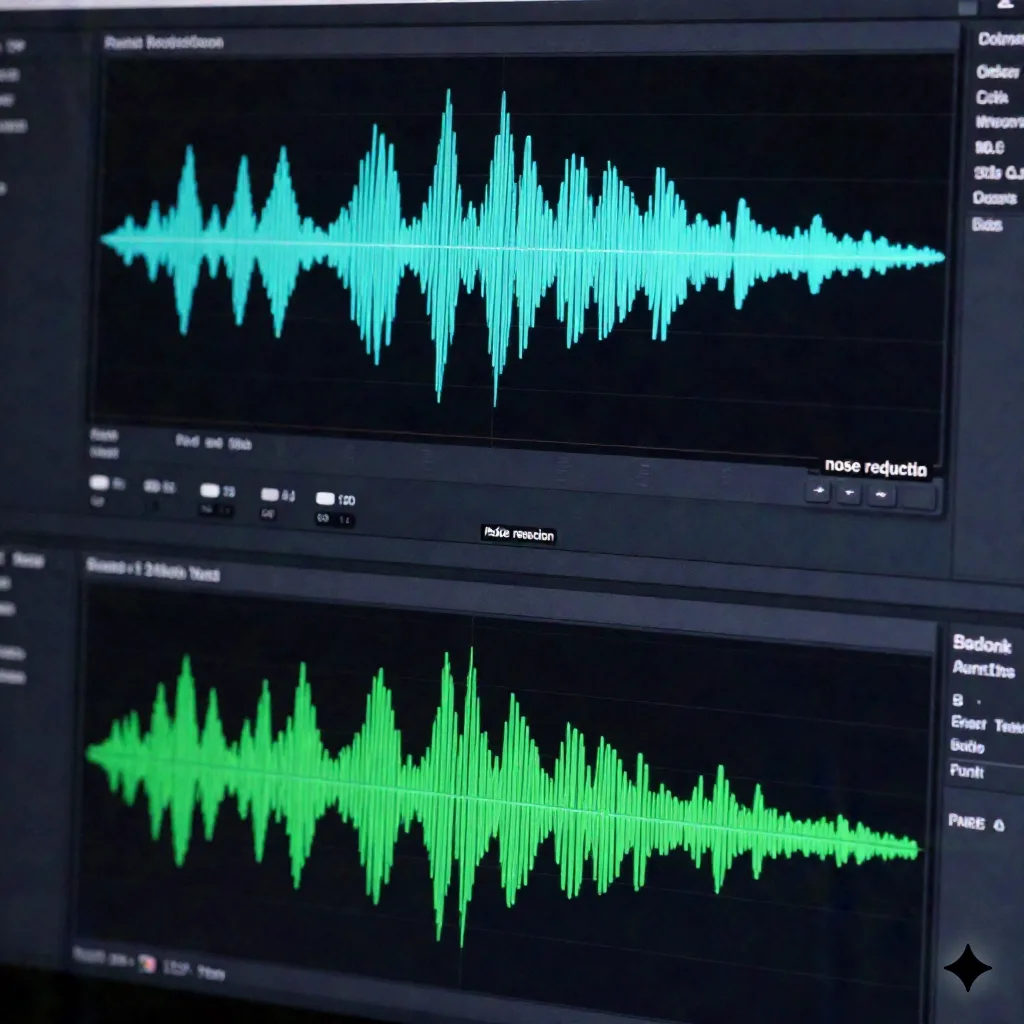
How to integrate speech enhancement into your chain without degrading downstream processing
If you are adding speech enhancement to a voice production pipeline, the order of operations matters more than the specific tool you use.
Run enhancement early, before pitch correction or time-stretching. Neural enhancement operates on the waveform and its artifacts interact poorly with pitch correction algorithms. If you enhance after pitch-shifting, the model can misidentify pitch-shifted formants as artifacts and attempt to suppress them. The safe path: raw capture, enhancement, then pitch and time manipulation.
Do not stack enhancement passes. Running the same recording through two different enhancement tools does not produce double the benefit. The second pass operates on already-processed audio that no longer has the noise characteristics the model was trained to recognize. What you get instead is accumulated spectral artifacting. One pass, one tool.
Check the output on a calibrated pair before committing. Enhancement tools vary in their character. Adobe Podcast Enhance tends to push the voice slightly forward in the mix, with mild HF boost, giving a presence-forward result that works well for podcasts but can feel over-processed in audiobook narration where you want a more neutral, direct tone. Krisp's enhancement has a flatter transfer characteristic. Run a listening comparison at 85 dB SPL on your reference monitors before making a blanket workflow decision.
For AI voice cloning downstream, enhancement at the sample stage is critical. Clone quality is heavily dependent on the cleanliness of the training sample. A 3-minute recording with significant background noise will produce a clone with lower phonetic accuracy, particularly on fricatives and stops. Running speech enhancement on your source sample before uploading it to a voice cloning system, including AnyVoice, is one of the highest-leverage steps you can take.
Session note: When testing enhancement as a pre-clone processing step, apply it at the minimum strength that clears audible noise. Overprocessing the sample introduces artifacts that clone models then try to replicate. The goal is to give the model clean phonetic data, not artificially brightened audio.
The model comparison question: Adobe Podcast vs. Krisp vs. open-source
For most professional voice production workflows, you will encounter three categories of tools.
Cloud-based enhancement services like Adobe Podcast Enhance (free for up to 1 hour files at 44.1kHz) and Descript Studio Sound are the lowest-friction option. Upload a file, get back enhanced audio. The limitation is that they process offline only, they have file size caps, and you are sending audio to a third-party server, which matters for confidential client work or pre-release recordings.
Integrated DAW plugins like iZotope RX's Voice De-noise, Waves NS1, and Accusonus ERA-N offer processing within your DAW session. The advantage is tight integration with your editing workflow, non-destructive processing via plugin insert, and the ability to automate parameters. iZotope RX Voice De-noise at $29 is currently the practical default for most post-production engineers when the recording environment was acceptable but not ideal.
Real-time noise suppression via Krisp or NVIDIA RTX Voice operates at the driver level, processing audio before it reaches any software. This is the right tool for live applications: streaming, virtual interviews, real-time NPC voice generation in-engine. Latency on Krisp is around 20ms, which is below the audibility threshold for most speech use cases. The free tier (60 minutes per day) covers light use; the Pro plan at $8 per month annual is competitive with other professional audio plugins.
Open-source models including Facebook's Denoiser, Microsoft's DNS Challenge models, and the newer Resemble Enhance are increasingly viable for teams building processing into their own pipelines via API. Resemble Enhance in particular has shown strong results on speech intelligibility metrics (DNSMOS scores above 3.8 on the DNS benchmark) and can be run locally on a GPU with reasonable latency for batch processing.
What speech enhancement does not fix, and what you should do instead
Speech enhancement handles additive noise well. It does not handle clipping, codec artifacts, or signal degradation caused by poor gain staging.
Clipping. If your recording is clipped, meaning the waveform is hitting 0 dBFS and the peaks are flattened, enhancement cannot restore the lost information. A clipped recording needs de-clipping tools (iZotope RX De-clip, Adobe Audition's diagnostic tools) before any enhancement pass. Enhancement on a clipped recording will sometimes make the distortion worse by introducing additional spectral coloring on top of the existing artifact.
Codec artifacts. Audio compressed with a lossy codec at a low bitrate, say MP3 at 64 kbps or an OGG file that has gone through multiple re-encoding passes, has characteristic frequency-domain artifacts around the quantization noise floor. Enhancement models see this as a noise pattern and partially suppress it, but the compression artifacts in the mid and upper frequencies are outside the noise floor the model targets and tend to remain or become more apparent.
Proximity effect and off-axis coloration. These are phase and frequency response characteristics of the microphone capture itself, not additive noise. Enhancement models do not equalize your microphone. If you captured with too much proximity effect, you need to EQ the proximity buildup (cut around 150-200Hz, 1-2 dB Q). If your signal has off-axis coloration from a poorly positioned cardioid, you need to address that in the recording.
The honest framing: speech enhancement AI is a specific tool that solves a specific problem well. It belongs in your chain when you have a recording with genuine noise contamination. It does not replace good microphone technique, a treated recording environment, or proper gain staging.
Before your next session
If you are evaluating speech enhancement AI for a production context, the practical test is straightforward: take three recordings that represent your typical session conditions, one clean, one moderately noisy, one with significant room issues, and run them through your candidate tool. Listen on calibrated monitors at consistent levels. Check the output on sibilants, stop consonants, and any sustained vowels where spectral coloring is most audible.
For teams integrating voice AI, including cloning and synthesis workflows, enhancement at the sample capture stage is worth building into the standard intake process. The phonetic accuracy improvement on downstream cloning from cleaner training samples is measurable. It is not the most complex part of the pipeline, but it is one of the steps that consistently moves the quality needle.
The technology works. The skill is knowing when to use it.