An AI Jingle Generator for the Voice, Not the Melody
Clone a voice, set the emotion timeline, and render a spoken tagline in about 30 seconds. Built for the vocal hook of a jingle, not the instrumental bed under it.
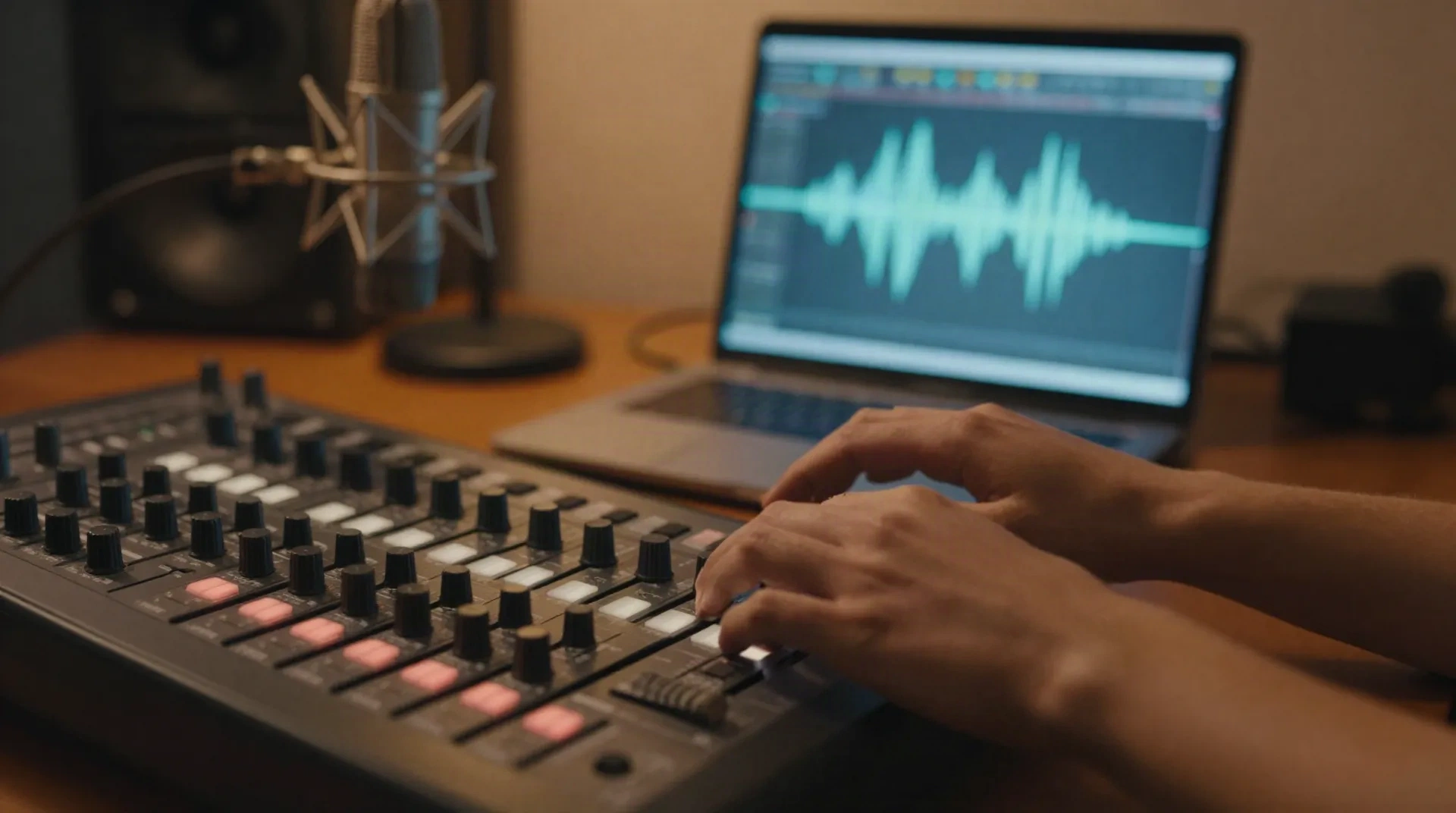
Six controls that shape a jingle tagline, not a whole track
8-slider emotion timeline
Push the same line toward upbeat and energetic for a radio spot, or calm and warm for an on-hold jingle, without a new take.
Clone from a 3-minute sample
Upload three minutes of clean audio and the model builds a voice profile in about 30 seconds, ready for a first jingle pass.
Phoneme-level correction
Fix a stress pattern or a mispronounced brand name on one phoneme instead of regenerating the whole tag.
Same voice, every market
Keep one consistent voice identity across a localized tagline, instead of booking a new voice actor per language.
Streaming API
Pull generated audio into your pipeline through a JSON endpoint built for game engines and IVR systems, not just a dashboard.
Consent-first cloning
Every clone requires a verified consent step from the voice owner before the model activates, so a commercial jingle stays clean to ship.
From tagline to rendered vocal in four steps
The instrumental bed is a separate step, layered in afterward from a music tool or your composer.
-
1
Write the tagline
Keep it to one line, roughly 3 to 6 seconds spoken. That single line is the part AnyVoice performs.
-
2
Clone or pick a voice
Clone your own voice from a 3-minute sample, or start from an existing AnyVoice voice profile.
-
3
Set the emotion sliders
Dial toward energetic-upbeat for a radio or podcast sting, or calm-warm for an IVR hold jingle.
-
4
Generate and layer
Render the vocal, then drop it into your session over an instrumental bed from a composer or a music-generation tool.
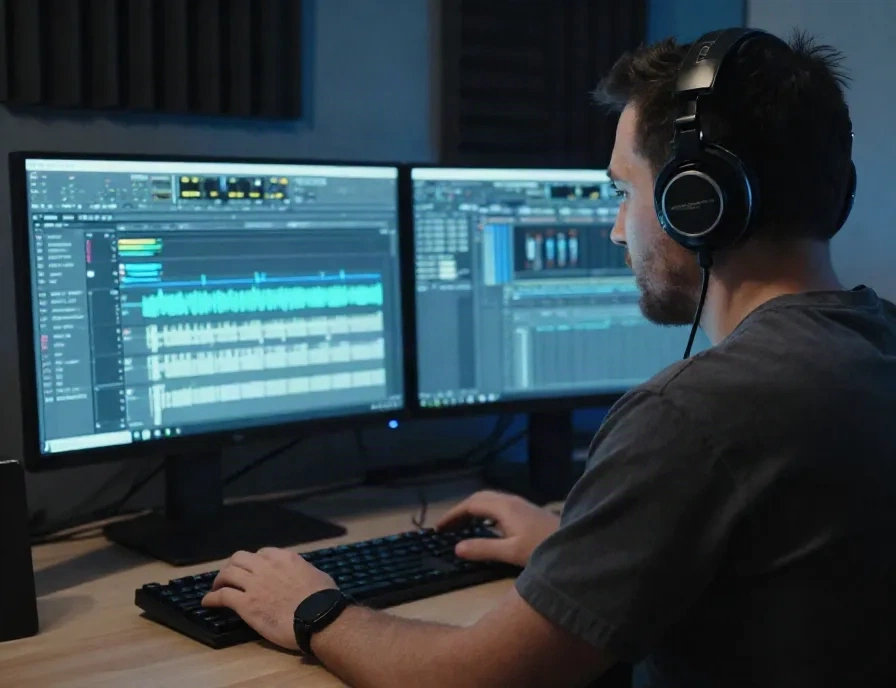
Built for the tagline, four places it actually gets used
A jingle vocal is rarely more than one sung or spoken line, repeated with small variations across cuts: a 4-second podcast sting, a 15-second radio tag, a branded IVR hold message, a game menu jingle. AnyVoice renders that line with a consistent voice identity and a controllable emotional read, then you hand it to whoever builds the instrumental bed. It does not compose melody or write music; it performs the words over a click, in the mood you set.
- Podcast or YouTube intro and outro stings
- Radio and audio ad taglines, localized per market
- IVR and on-hold branded messages
- Game menu or boot-screen jingle tags
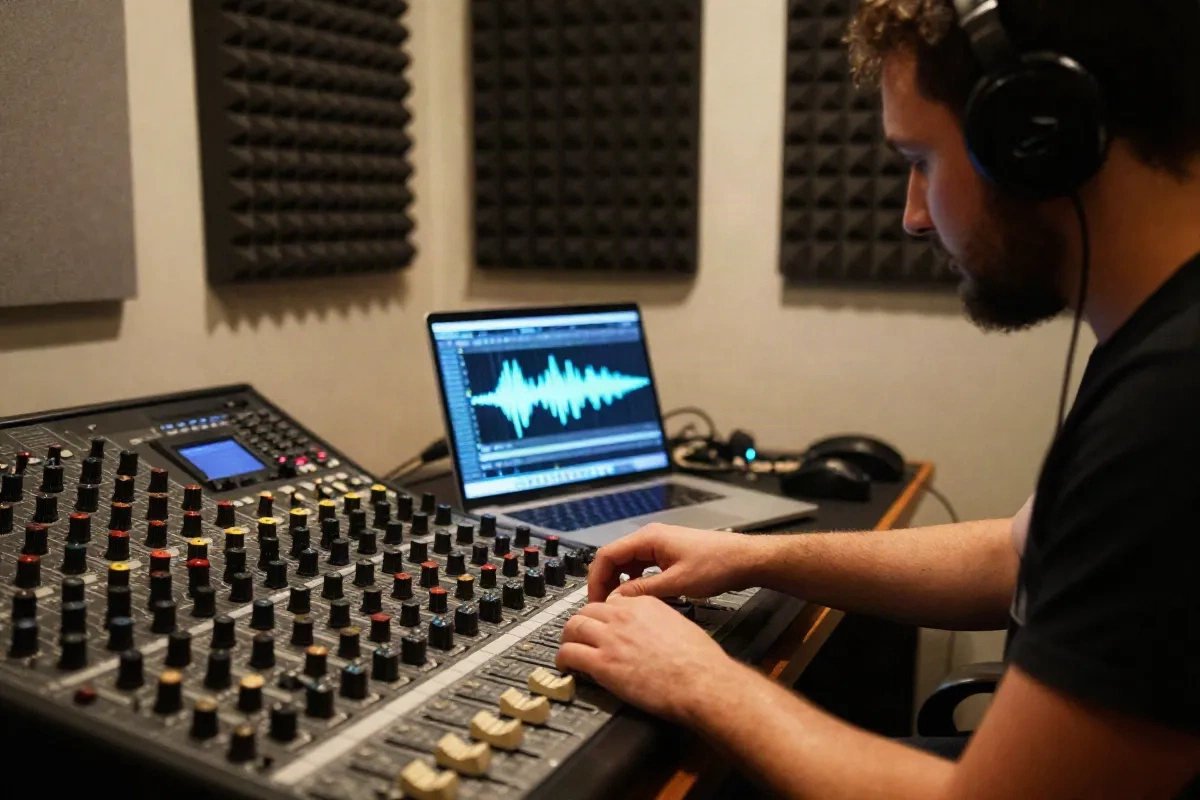
What the vocal render actually takes
Questions we get before a first jingle render
Can AnyVoice actually sing a jingle melody, or just speak the tagline?
Does AnyVoice generate the music and instrumental bed too?
How much audio do I need to clone a voice for a jingle?
How fast can I test different emotional deliveries of the same tag?
Can I use a cloned voice commercially in a paid ad jingle?
Will a 3 to 4 second jingle tag sound flat or robotic?
Can I get the jingle vocal in another language for a different market?
What audio format do I get for mixing into the full jingle?
Give your jingle tagline a voice you actually control
Clone once, then render the line in every mood and market the campaign needs.