Voice Cloning Software You Can Actually Direct
Clone a voice from a 10 to 60 second sample, then shape emotion and language before you export. Start free, no card required.
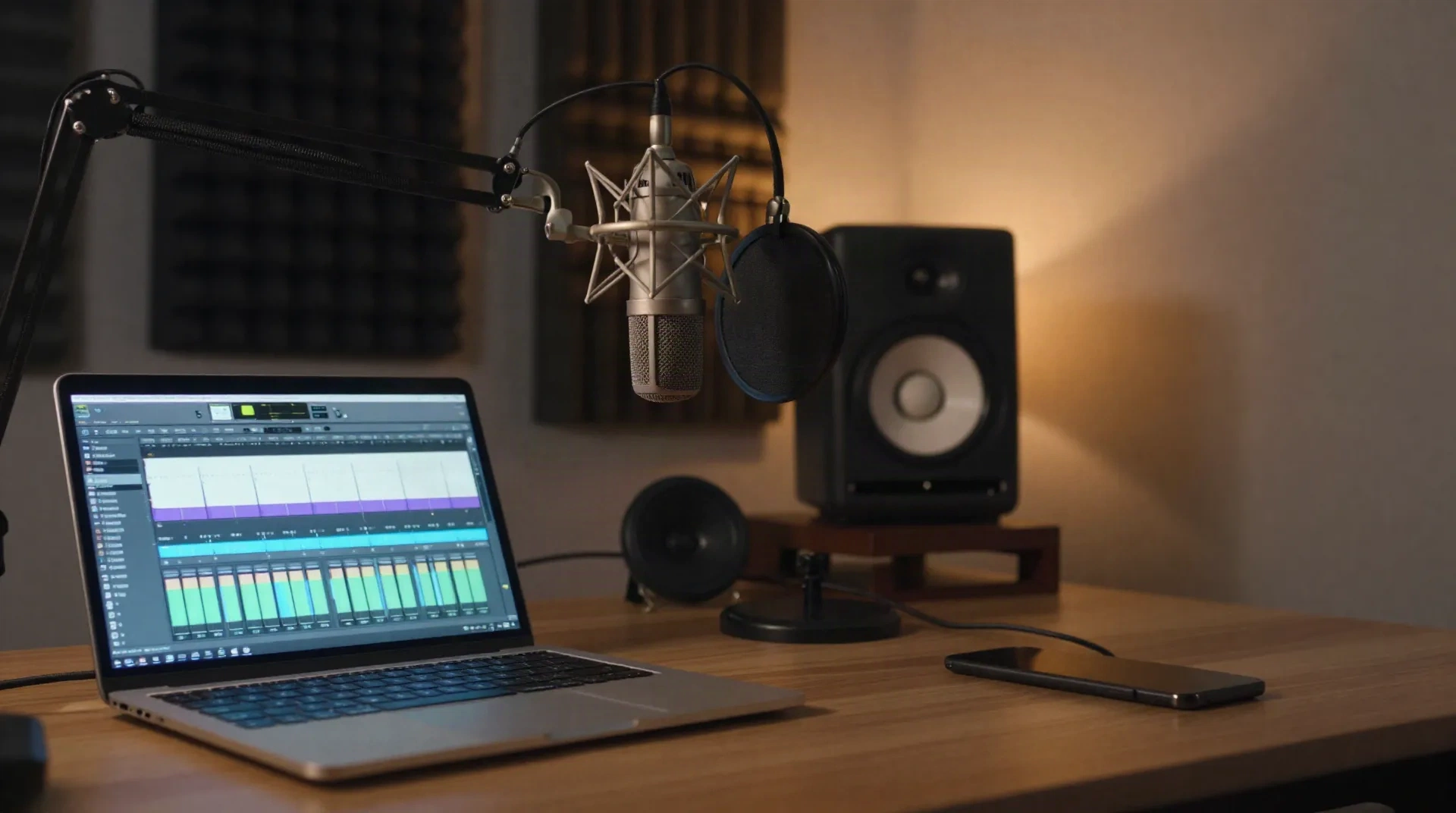
What the software delivers
Six things that separate good cloning software
Emotion you can steer
Eight sliders cover joy, sadness, anger, fear, surprise, whisper, authoritative and neutral, so a flat read becomes a directed one.
A clone in 30 seconds
Upload 10 to 60 seconds of audio in any format. The profile is ready in under 30 seconds, with no hardware or treatment room needed.
13 native languages
One cloned voice speaks EN, FR, DE, ES, IT, PT, NL, PL, SV, TR, ID, JA and KO, synthesized in each language rather than translated afterwards.
Multi-voice projects
Compose radio shows, audiobooks and dialogues with 2 to 10 voices in one project, then export podcast-ready audio.
REST and streaming API
REST endpoints, WebSocket streaming and SDKs for Python, JavaScript and Go, with under 200 ms to first byte for live agents.
Clear commercial rights
From the Creator plan you hold full commercial rights to your cloned voice and every file you generate with it.
From sample to shipped audio in three steps
The same process whether you clone one narrator or manage a cast of ten voices.
-
1
Upload your sample
Record or upload 10 to 60 seconds of clean speech. Any microphone and any format works, though a quiet room gives the model a steadier signal to learn from.
-
2
Clone and control
Your clone is ready in under 30 seconds. Open Emotion Studio, move the sliders, and hear the change in real time before you commit to a full script.
-
3
Generate and ship
Type your script, pick a language, and generate. Download the audio, or stream it straight into your app through the API.
Podcasts and audiobooks without the retake loop
A missed word or a flat paragraph used to mean booking the booth again. With a cloned voice you fix the line in text, adjust the emotion sliders, and regenerate only that segment. Multi-voice projects let you cast a host and guests, or a narrator and several characters, then export one podcast-ready file. Keep a human pass on the lines that carry the story, and let the software handle pickups, corrections and localized editions.
- Clone your own voice in under 30 seconds
- Fix a single line without re-recording the session
- Cast 2 to 10 voices in one project
- Release the same episode in 13 languages
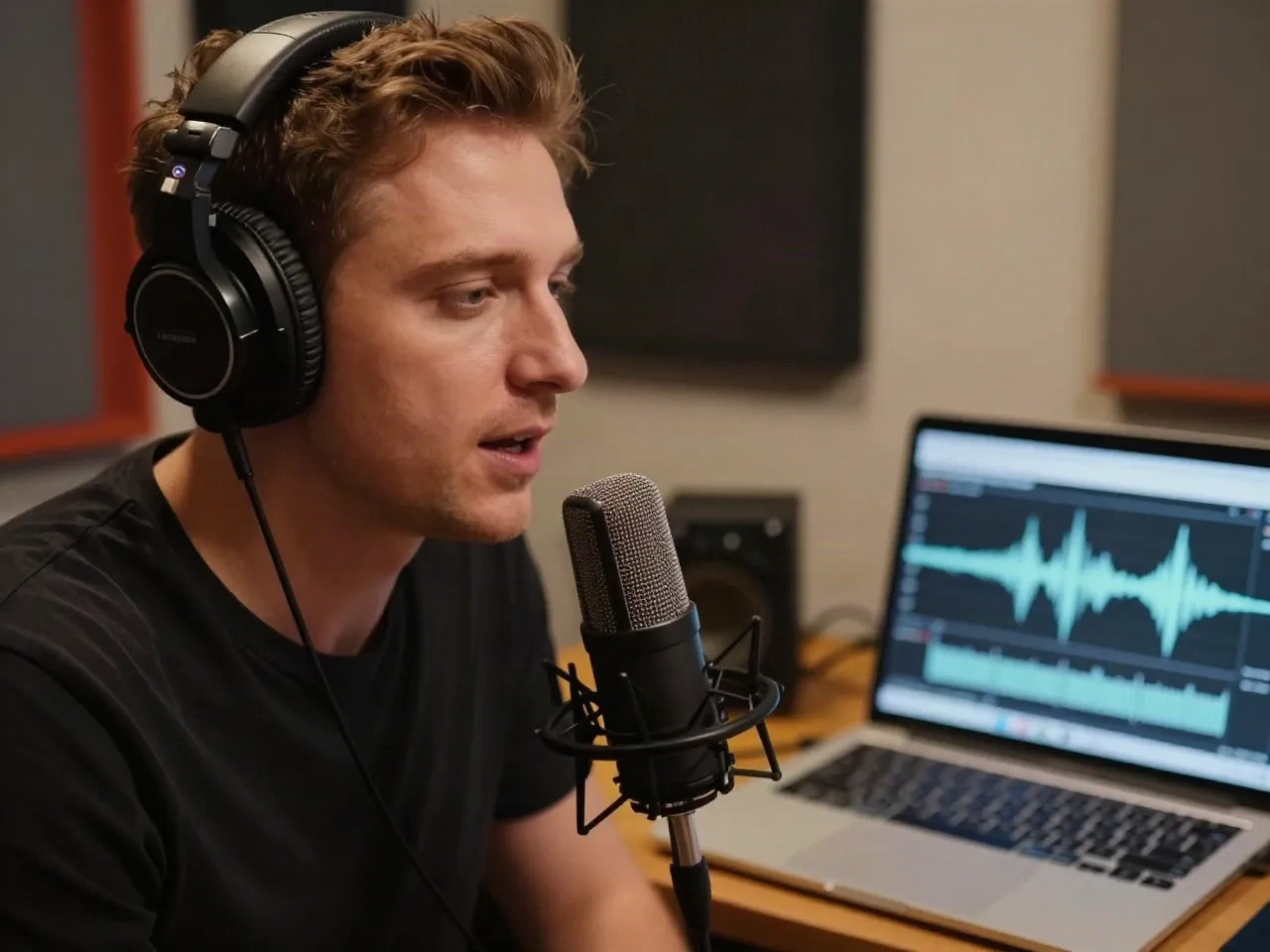
Game dialogue and live voice agents at scale
Studios shipping hundreds of NPC lines need the same character in several emotional states, and a way to patch one line after playtest feedback. Generate calm, tense and aggressive deliveries from one base voice, then update a single file instead of the whole dialogue tree. For live agents, the streaming API returns the first byte in under 200 ms, so conversation does not stall while the voice is generated.
- Generate several emotional states from one voice
- Patch one flagged line after playtesting
- Stream audio into engines and agents over WebSocket
- Use SDKs for Python, JavaScript and Go
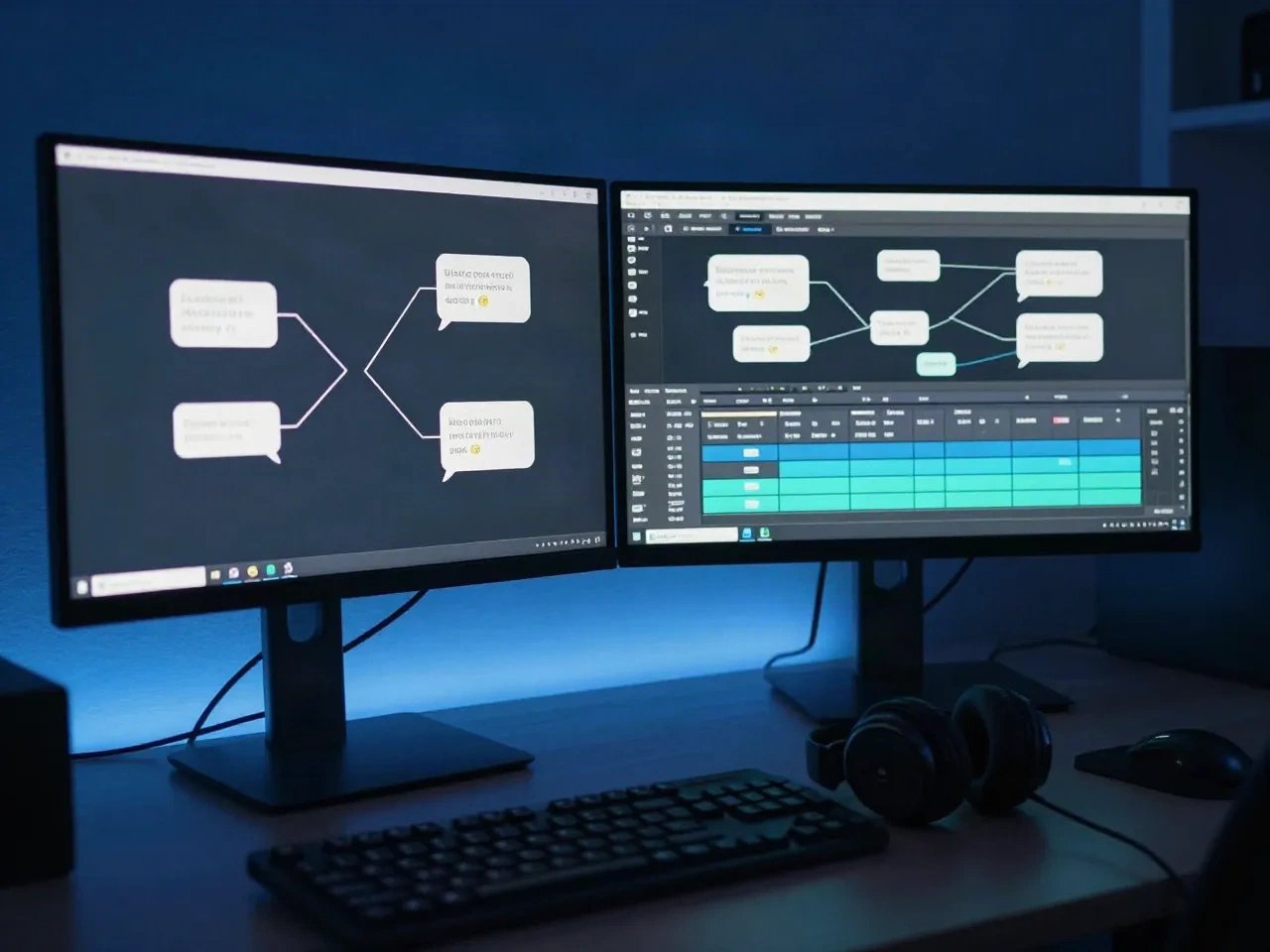
How to evaluate any voice cloning software
Run the same script through every tool on your shortlist and score it against these criteria.
| Criterion | What to check in any tool | AnyVoice |
|---|---|---|
| Sample needed | Seconds of audio before the clone is usable | 10 to 60 seconds |
| Time to clone | Wait between upload and first generation | Under 30 seconds |
| Emotion control | Fine-grained sliders versus preset styles | 8 sliders, real-time preview |
| Languages | Native synthesis versus post-hoc translation | 13 languages, same voice |
| API and latency | Streaming support and first-byte time | WebSocket, under 200 ms |
| Commercial rights | Which plan unlocks commercial use | Creator plan and above |
| Free tier | Can you test with your own voice before paying | 2 voices, 10,000 characters |
Start free, scale as you grow
No hidden fees. Commercial rights start on the Creator plan.
Free
Get started, no card required
- 2 custom voices
- 10,000 characters per month
- 3 emotions
- Non-commercial use
Creator
For creators who ship consistently
- 10 voices
- 200,000 characters per month
- Commercial rights
- Full Emotion Studio
- Multi-voice projects
Studio
Teams and high-volume producers
- 50 voices
- 1M characters per month
- Streaming API
- 3 team seats
- Priority generation
Questions before your first clone
What is voice cloning software?
How much audio do I need to clone a voice?
Can I use a cloned voice commercially?
Does cloned speech work in other languages?
Is there an API for voice cloning software?
How do I control emotion in a cloned voice?
Do I need consent to clone someone else's voice?
How does AnyVoice compare to ElevenLabs?
Clone your voice in 30 seconds
Upload a short sample, set the emotion, and hear your own script before you pay anything.