What Is a Stem in Music? Stems, Tracks and Mixes Explained
Summary
What is a stem in music? A stem is a group of related tracks, such as all the drums or every vocal, mixed together and printed as a single audio file. It sits between raw multitrack recordings and the finished stereo mix. Mastering engineers, remixers and film editors ask for stems because the balance is already set and each group can be adjusted on its own.
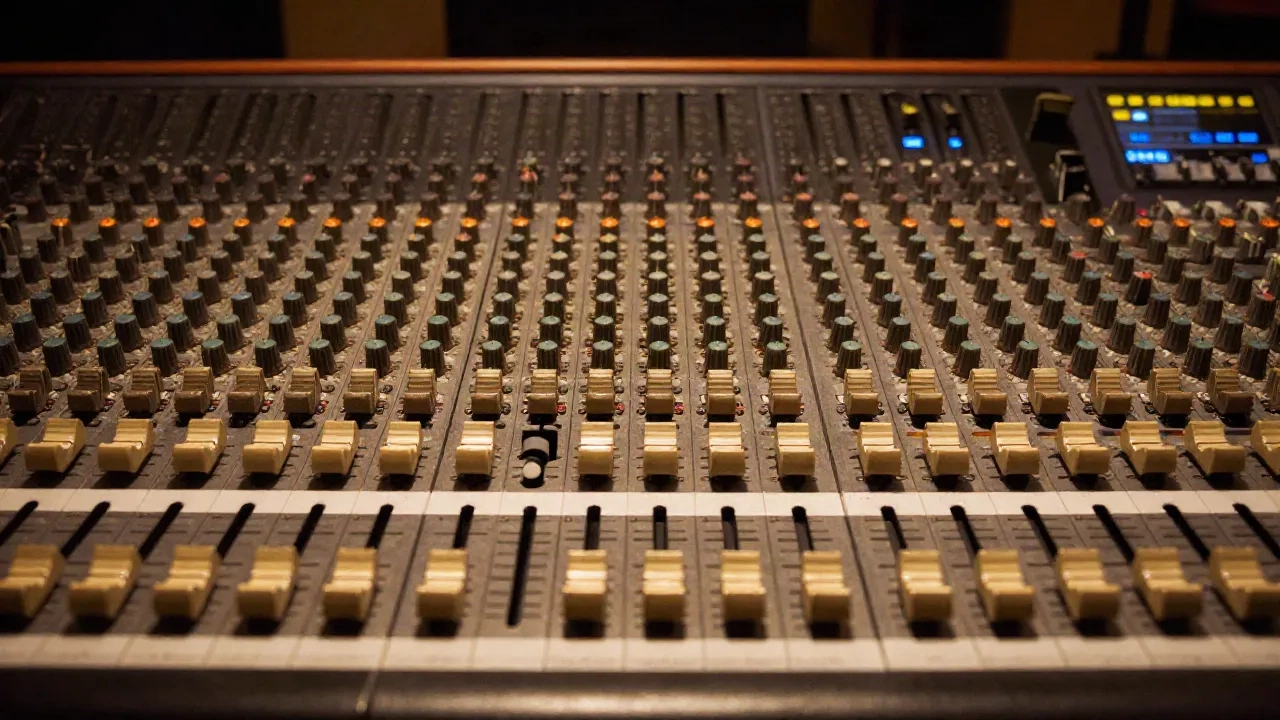
So, what is a stem in music? A stem is a group of related tracks mixed down and printed as one audio file: all the drums on one stereo file, every bass part on another, the vocals on a third. It sits between the raw multitrack session (one file per microphone or instrument) and the finished stereo master. Stems are already processed and balanced, which is exactly why mastering engineers, remixers and film editors ask for them.
Where does a stem sit between a raw track and a finished mix?
Think of three layers. At the bottom are tracks: kick in, kick out, snare top, overhead left, bass DI, lead vocal. Each lives on its own channel in the session. A whole recording is usually dozens of these, and the set is called the multitrack.
In the middle are stems. You route related tracks to a shared bus (a submix, in console language), print that bus, and you have a stem. Four mics on a drum kit become one drum stem. Two guitars and a lap steel become one guitar stem. A stem can be mono, stereo or multichannel, but it is always a small mixdown of one part of the song.
At the top is the mix: every stem summed together, usually as one stereo file. In a clean workflow the stems add up to the mix. If you flip polarity on one stem against the full mix and it cancels that part completely, you have proof that the stem is what it claims to be.
The session note: the word "stem" comes from console subgroups, the faders that let an engineer move all the strings or all the drums with one hand. DAW buses do the same job in software.
Are stems the same as multitracks?
No, and mixing the two terms up is the most expensive vocabulary mistake in music production. Mastering engineer Nick Messitte describes the pattern in iZotope's guide to stems and multitracks: a client asks for a "stem master," sends the full multitrack, and then learns that what they asked for is a different and more costly job.
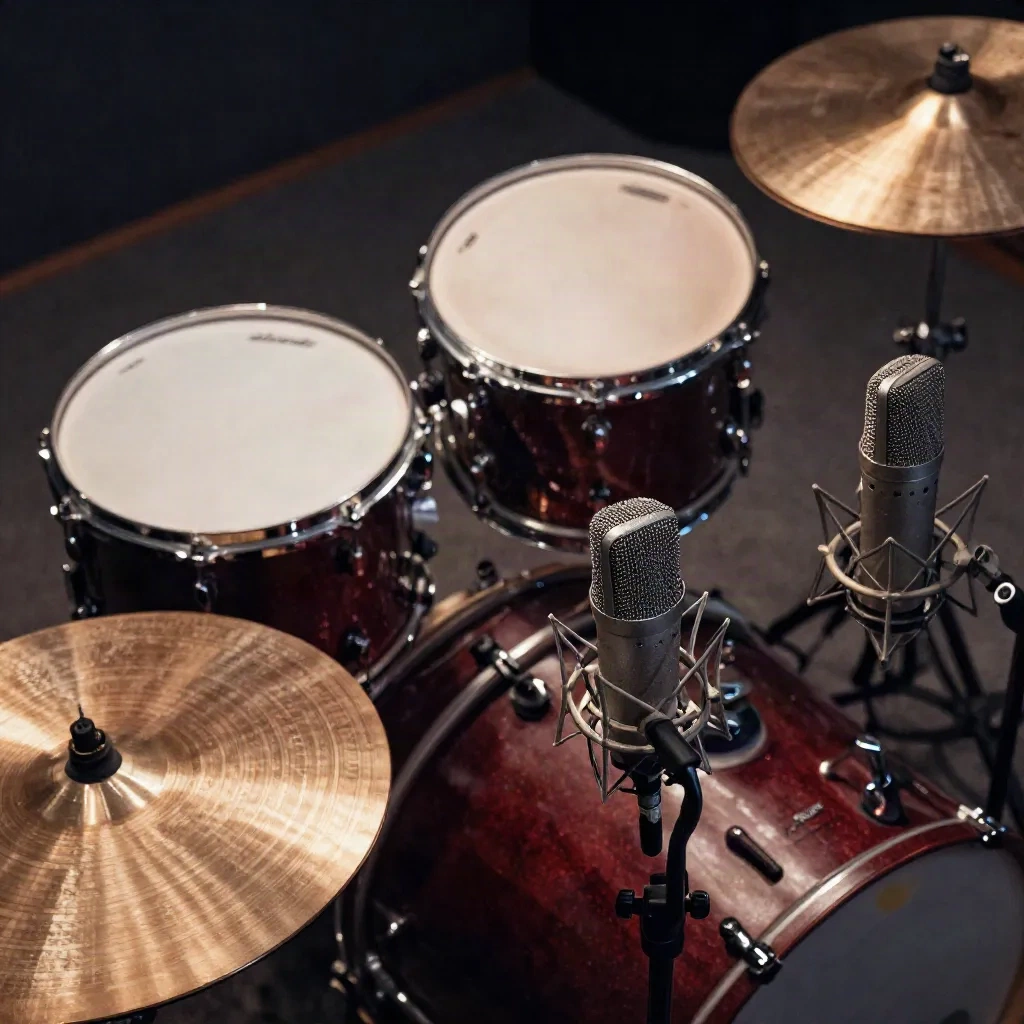
Here is the clean version of the distinction.
Multitracks: raw, individual tracks, usually unprocessed. Typically 20 to 100+ files. The mix engineer needs them, and they give you control over everything.
Stems: grouped, mixed submixes with effects and balance baked in. Typically 4 to 8 files. Mastering, remix, sync and live playback use them, and they give you control over the balance between groups.
Community threads on r/audioengineering still argue about this, and the purists have a point: calling a pile of raw tracks "stems" blurs a real technical line. If someone asks you for stems, ask one follow-up question: do you want grouped mixes or individual tracks? Thirty seconds of clarification saves a day of exporting.
How many stems does a song need, and how do you export them?
There is no standard count, but the common pattern is four to six stereo files. Sound on Sound's Neil Rogers, writing about a stem-mixing and mastering project, received five or six 24-bit, 48 kHz stereo files per song covering drums, bass guitar, guitars, keys and vocals, with all effects and processing baked in. The most common split elsewhere is drums, bass, vocals and everything else.
Exporting is mostly a routing exercise. The steps are similar in Logic, Pro Tools and Reaper:
Route every related track to its own bus or auxiliary submix.
Select the time range you want to bounce, and start every stem at the same point (bar 1, not where the first note lands) so they line up on import.
Export each bus at the session's bit depth. 24-bit is the practical floor; 32-bit float avoids any clipping surprises.
Name the files so a stranger can use them: song title, tempo, key, stem name.
Load all stems into a fresh session, sum them, and compare against your reference mix.
That last step catches problems early. Rogers flagged noise and a clipped keyboard stem on his first listen-through of the delivered files, before any processing started.
One caveat matters. If your mix bus has compression, saturation or limiting on it, the stems will not sum back to the printed mix, because that processing reacted to everything at once. iZotope's workaround is to print the mix without stereo processing and use it as the sidechain source for every bus processor. For most deliveries it is simpler to say so in the notes, and print stems with and without bus processing if the recipient cares.
The session note: leave a few dB of headroom on every stem. Whoever sums them next will thank you.
Where do stems come from in film and dubbing?
Film got there before music did. A film mix is built from three groups, dialogue, music and effects (D-M-E), and each is delivered as its own stem. When a studio needs a foreign-language version, it sends the music and effects stems without the dialogue. That package is called the M&E, and the new dialogue is recorded against it.
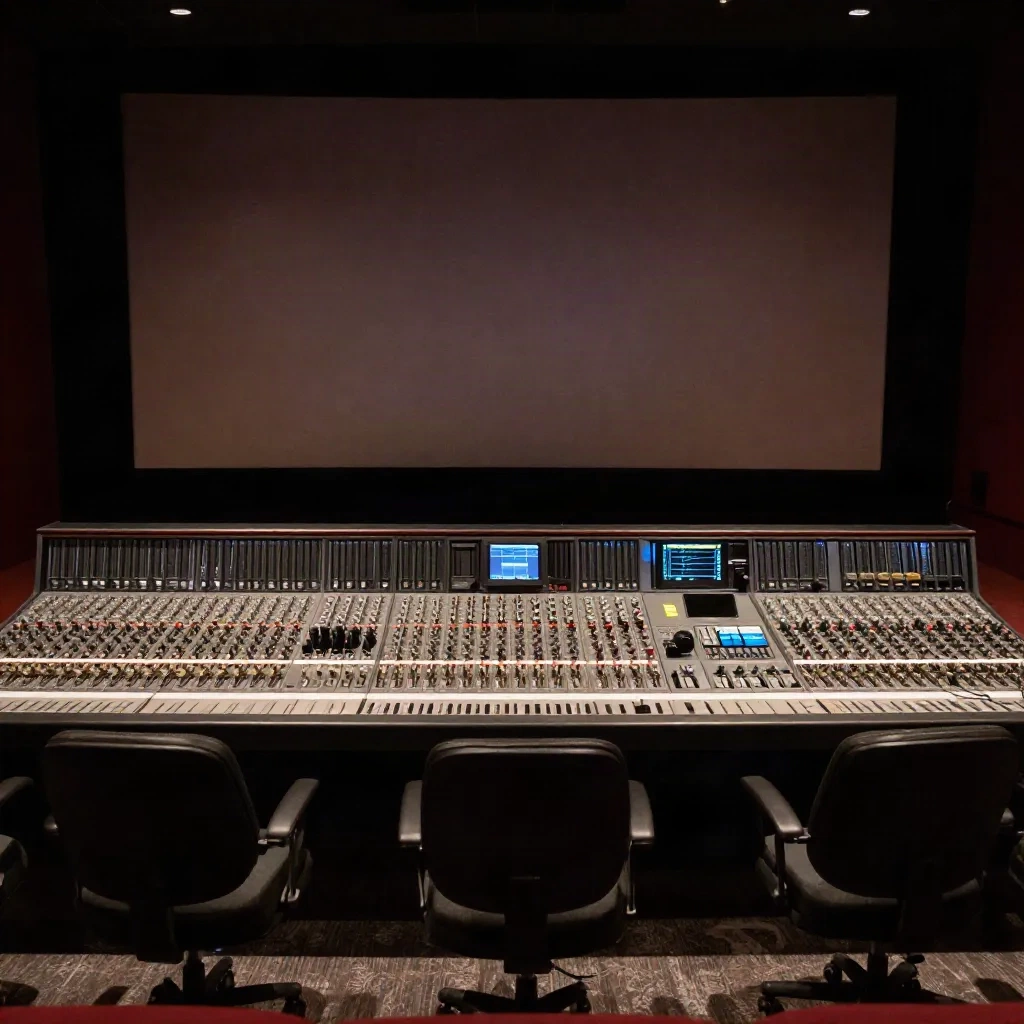
The same logic now drives AI dubbing. A clean dialogue stem is what you need to transcribe, translate and re-voice a scene, and a clean M&E is what lets the new voices drop in without the old ones bleeding through. Services such as ElevenLabs automate the translation and re-voicing step across 29+ languages, but the result is only as clean as the stem you feed in.
If you have the original session, export the stems. If you do not, you are working with extracted stems, and that is a different animal, which we come back to below.
What do people actually use stems for?
The use cases are practical, not theoretical. Here are the ones that come up most often:
Stem mastering. The mastering engineer gets four to eight stems instead of one stereo file and can fix a single problem without touching the rest. Messitte's example: a bass so loud that no EQ, compression or limiting setting gets a competitive level. With the bass stem, he turns it down about 2 dB and everything else behaves.
Radio edits and alternate versions. Bleeping a word or cutting a bar is quick at stem level and slow if you have to reopen the full mix session.
Remixes. A remixer working from stems gets exact access to sounds they like, with no reverse engineering.
Sync and trailers. Film and TV editors often need stems so they can pull the vocal under dialogue and keep the chorus for the montage.
Live playback. Artists who play with backing tracks get better sounding files from stems than from raw tracks.
Collaboration and archiving. Stems are lighter to send around than a 60-track session, and they preserve the sound of the mix long after plugin versions have moved on.

Stem mastering has trade-offs. In the Sound on Sound project, the approach took roughly a quarter of the time of mixing from raw multitracks, which keeps the fee down. But the band came back asking for level changes inside individual parts, and the job started drifting toward a conventional mix. Rogers' own conclusion: once you ask for ever more stems, you lose the time and cost advantage that made stems attractive. Test the process on one or two songs first.
What changes when stems are extracted by AI instead of printed from a session?
This is where the term gets muddy. A printed stem comes from the original session, so it is exactly what the engineer heard, with no leakage between groups. An extracted stem is a model's best guess at splitting a finished stereo file into parts, usually vocals, bass, drums and other, the same four-way split that iZotope's RX Music Rebalance uses.
Extracted stems are useful and they are also lossy. The model can only separate what the stereo mix leaves recoverable, so dense choruses and heavy reverb tails tend to leave traces of one part inside another. Treat them as material for practice tracks, DJ edits, sampling ideas and rough remixes. Do not treat them as a substitute for a printed stem when a mastering engineer or a sync house asks for stems, because those files will get scrutinised. We cover the mechanics in our guide to what stem separation is and walk through the vocal case in how to remove vocals from a song.
AI music generators have started to hand stems back directly, which sidesteps the separation guesswork for generated tracks. On Suno, the Pro plan at $8 per month includes stem separation, and Premier at $24 per month adds access to its Suno Studio editor. Udio's Standard ($10 per month) and Pro ($30 per month) plans both include stem downloads, and its v4 model outputs 48 kHz stereo audio.
If your source is dialogue or a podcast rather than a song, the tooling shifts. Descript's multitrack editor and its Studio Sound cleanup are built around spoken-word stems: one per speaker, cleaned individually, then mixed. That is the same stem logic applied to voice, and it works for the same reason.
Before your next session: a stem checklist
Whether you are sending files out or asking for them, these habits prevent most of the pain:
Agree on the word first. Ask whether the recipient wants grouped mixes or individual tracks.
Say what is baked in. Wet or dry, with or without bus processing, with or without reverb on its own stem.
Standardise the format. 24-bit, the session sample rate, identical start points, clear file names.
Check that they sum. Import everything into an empty session and compare against the reference. If it does not match, note why.
Keep an unprocessed set. If you can, archive the multitrack too. Stems are a delivery format, not a replacement for the session.
Skip stem delivery for a simple stereo master. If the mix is balanced and the master only needs gentle gain and EQ, extra files add complexity without adding quality.
Stems are not complicated, but the vocabulary around them is sloppy. Use the word to mean a mixed group, ask when someone else uses it loosely, and you will avoid most of the traps.